Audiobook Studio
Turn a manuscript into an audiobook on your own computer, with AI voices you clone yourself.
 Install with Pinokio
- Runs on your machine
- No subscription
- No per-word bill
Audiobook Studio 2.0 is nearly ready.
Casting for every character, plug-in voice engines, and a queue that picks up where it left off. Try the whole interface in your browser now.
A narration booth that lives on your laptop.
Give each character a voice, repair a single line, requeue half a chapter, and assemble the whole book.
From manuscript to performance, in five stops.
Press play and we'll walk you through the studio. The numbers below follow along.
Read the transcript
Welcome to the AI Audio Lab. This isn't just a place where text becomes speech; it's where manuscripts become immersive performances.
We start in the Library. Here, every production is a distinct world. We don't just "import" text; we build a foundation. Word counts, processing ETAs, and asset mapping: everything is tracked with surgical precision before a single syllable is spoken.
Next, we step into the Narrator's Studio. We don't rely on generic, distant voices. We clone the nuance of a performance from just sixty seconds of reference audio. But in this lab, the story reaches beyond a single narrator.
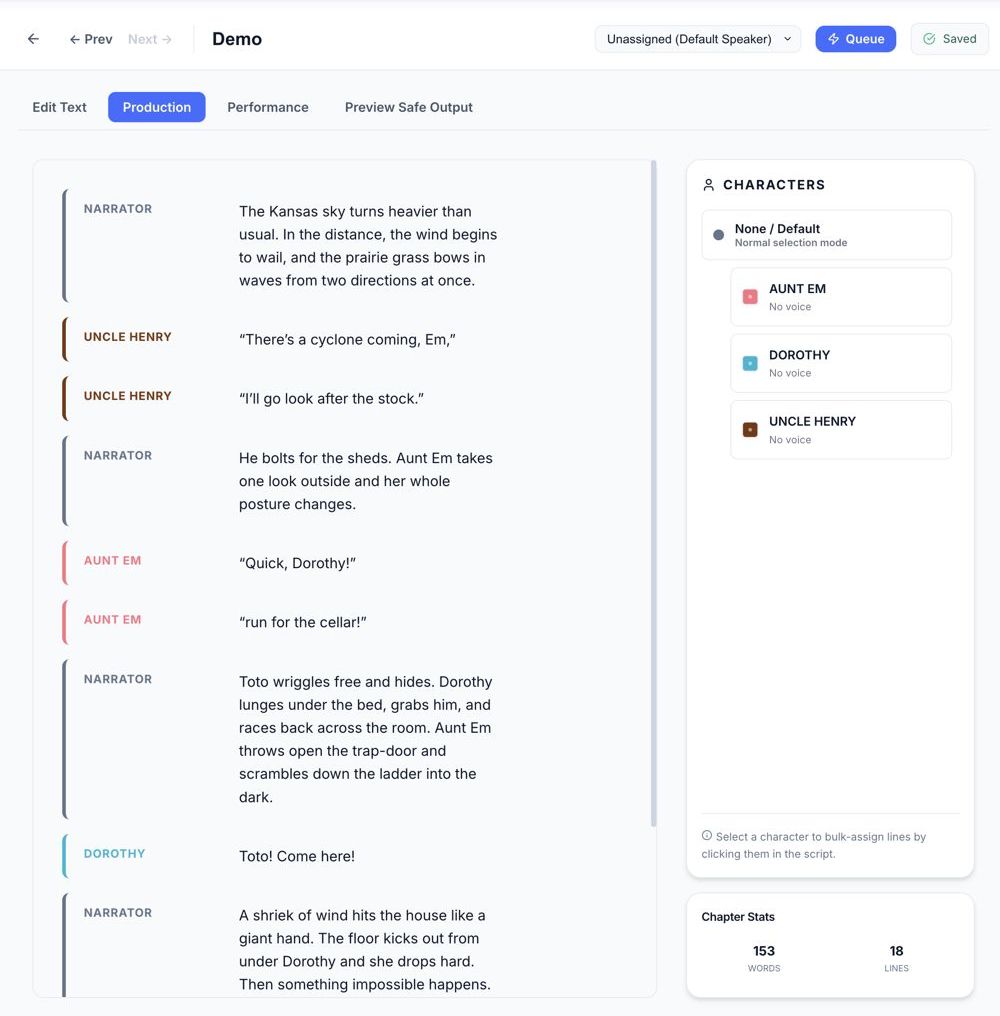
The real craft happens in the Production Workspace. This is where we script the experience, moving beyond a single voice to a full ensemble cast. We assign unique identities to specific characters or shift the emotional performance for every paragraph. It's granular control. Consider the range: we can take a single voice profile and alter its characteristics to build something entirely new.
Take, for instance, how the lab handles a complex narrative passage. A scene that requires a weathered elder, a composed scholar, and a cautious traveler, all woven within a single immersive sequence:
Silas didn't look up from his desk, his quilled pen scratching irritably against the parchment as the two travelers approached.
"I've spent a lifetime in these dusty stacks, boy!" he barked, his voice thin but sharp with age. "You think your little machine can capture the weight of a life well-lived? Bah! You've got much to learn about the soul of a story."
"Master Silas please!" she said, her tone firm yet respectful as she stepped into the lamplight. "We aren't here to challenge your legacy, only to preserve it. The maps we found, they match your own descriptions perfectly."
The young man behind her nodded, his gaze darting toward the shadows of the archive. "She's right sir. We've seen the markings on the ridge. If what you wrote is even half-true then we don't have much time left."
Silas finally looked up, his eyes narrowing into slits. "Time? You youngsters always talk about time as if it were a currency you're running out of." He slammed his pen down and exhaled a long, gravelly sigh. "Fine. Show me these maps. But if this is another waste of my breath, I'm throwing you both back into the rain!"
That's local performance. No cloud, no accent, just raw character. If a single word misses the mark, we don't discard the chapter; we re-generate that specific segment. We fine-tune until the inflection is studio-grade.
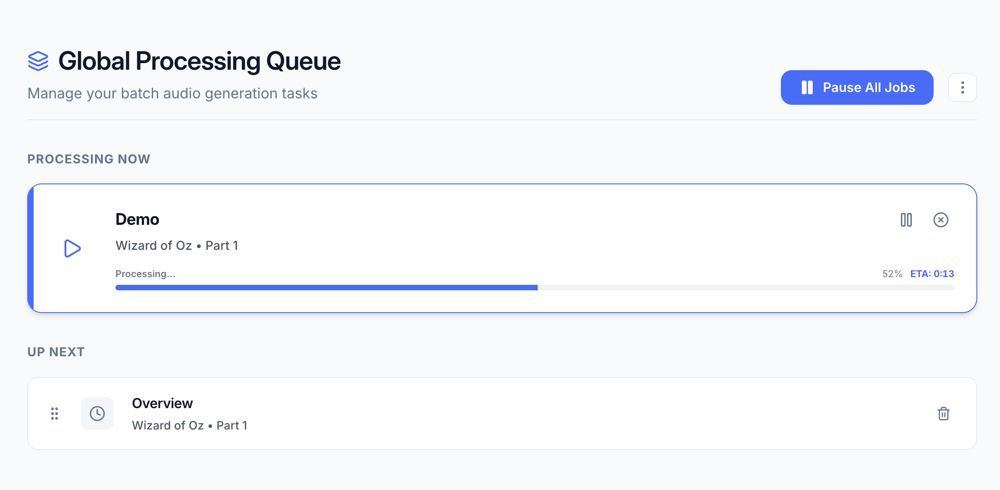
Behind the scenes, the Processing Pipeline is learning. It studies your local hardware, calculating a dead-accurate ETA that respects your time. Batch by batch, the audio arrives: processed, normalized, and ready for the final assembly.
Finally, we prioritize the core of the experience: absolute privacy. Your manuscripts, your voice clones, and your finished narration never leave your hardware. No subscriptions, no cloud APIs, and no data harvesting. Just total creative ownership of every byte you produce locally.
Your machine. Your cast. Your production. No cloud, no compromise. This is the future of long-form narration.
-
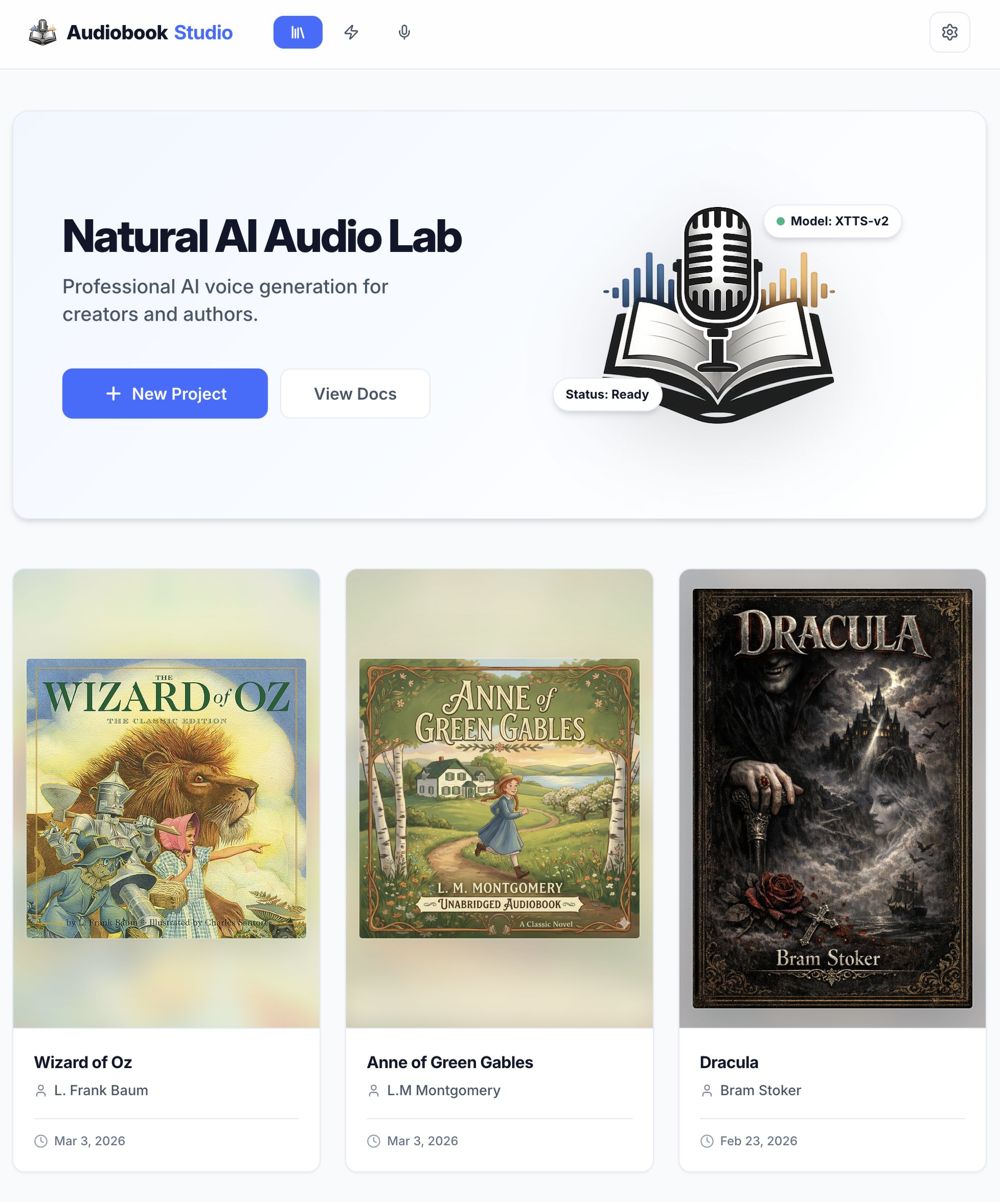
The Library
Every book is its own project, with its own chapters, voices and exports. You see word counts and time estimates before a single word is spoken.
-
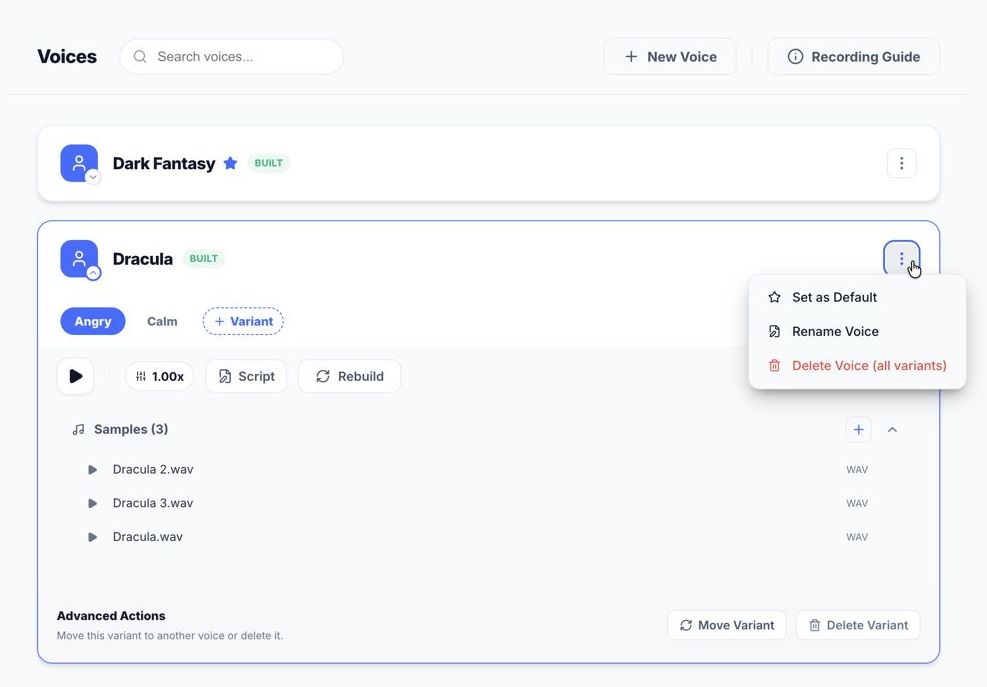
The Narrator's Studio
Clone a voice from a few short, clean clips, then keep it. Want a different mood? Record it as its own variant.
-
The Production Workspace
This is where a book becomes a cast. Give each character their own voice, or change the delivery from one paragraph to the next. A weathered elder, a composed scholar and a cautious traveler can share a single scene. If one word misses, regenerate that line, not the chapter.
-
The Processing Pipeline
Studio learns your hardware, so its time estimates hold up. Audio arrives batch by batch, cleaned up and leveled, ready for assembly. It runs in the background, so you can keep working. Reorder the queue, or pause it any time.
-
Private, start to finish
Everything stays on your computer: the manuscript, the voices, the finished audio. The optional cloud voice is the one exception, and only if you turn it on. Your machine, your cast, your production.
Built for the messy reality of a whole book.
Most text-to-speech tools stop at "paste text, get audio." A book needs more.
Fix only what changed
One sentence sounds wrong? Repair that line instead of regenerating the book.
A voice for every character
Give dialogue and narration different voices inside the same chapter.
One click, or from source.
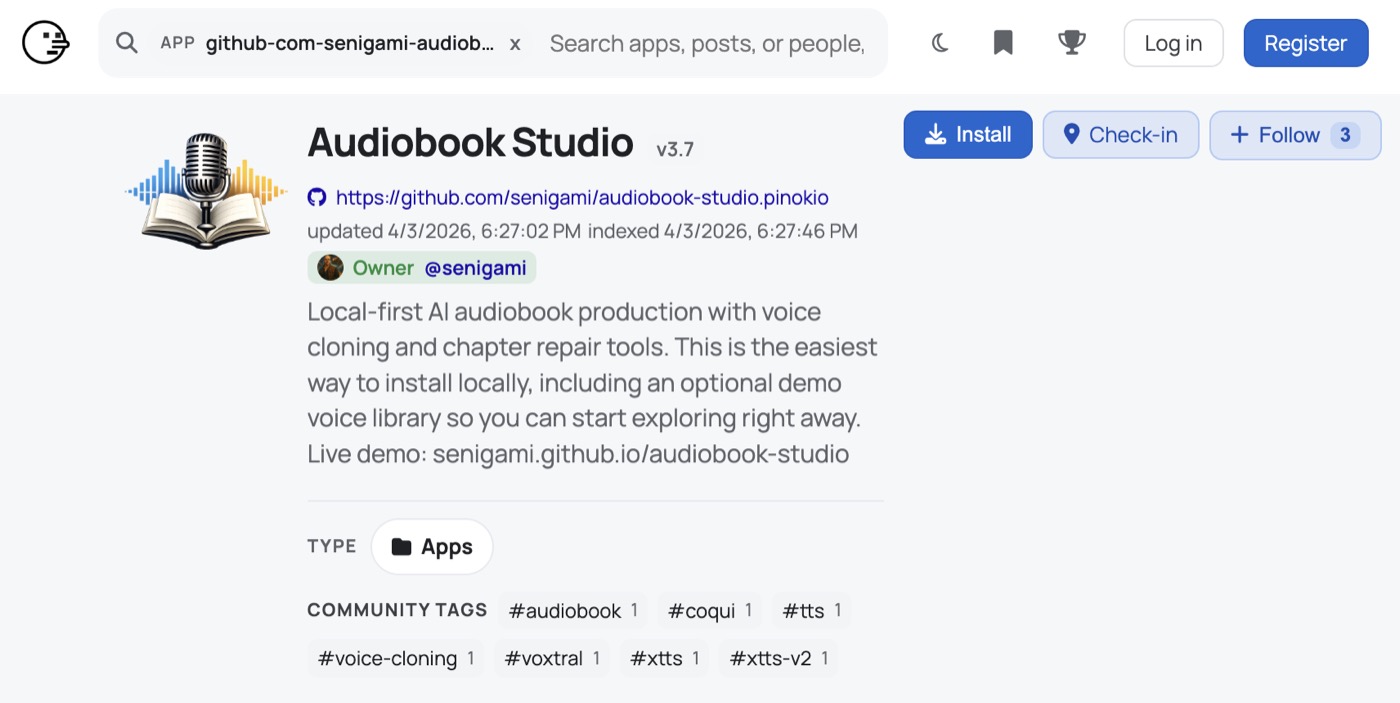
Pinokio handles the setup for you and can install a demo library with sample voices, so you can poke around right away. Prefer to run it yourself? The code is on GitHub.
Good to know.
Using 1.x today
- Free and open source.
- The XTTS voice model is non-commercial. Audio made with it can't be sold.
- The optional Voxtral cloud voice sends data out. It sends the text and reference audio to Mistral, so keep voices on XTTS for a fully local workflow.
Coming in 2.0
- Apache-2.0 license. Version 2.0 will be released under it.
- Studio Narrator. AI voice created from the voice of Steven L. Dunn. For commercial use of the voice itself, get in touch.
- We'll announce it here when it's ready.